The deadline you have left
Picking an approved platform is an afternoon of work. It is the part of this everyone talks about, and it is the short part.
The calendar is two lines long. Receiving electronic invoices has been mandatory for every business established in France and subject to VAT since 1 September 2026, so that one is behind you. Issuing them becomes mandatory on 1 September 2027 for SMEs, very small businesses, micro-entreprises and the self-employed. For the full timeline, the formats and the fines, read our reference piece on mandatory e-invoicing in France.
Here is my bet, and it is mine alone: plenty of independent professionals will spend this year comparing approved platforms, then reach the deadline with a customer file as full of holes as it is today. No tool, however approved, will invent a SIREN nobody ever gave you, guess whether your online course is a good or a service, or connect an order to a payment that nothing connects. Compliance lives inside your sales data, and sales data takes months to straighten out.
Four steps, in this order. The first one is by far the longest.
Step 1: your customer data
Three things are almost always missing from a customer file: the SIREN, the delivery address when it differs from the billing address, and the answer to a question nobody had needed to ask, namely whether the buyer is a business or a private individual.
Of the four steps, this is the one I would start today, before looking at a single platform.
The SIREN, nine digits that govern the rest
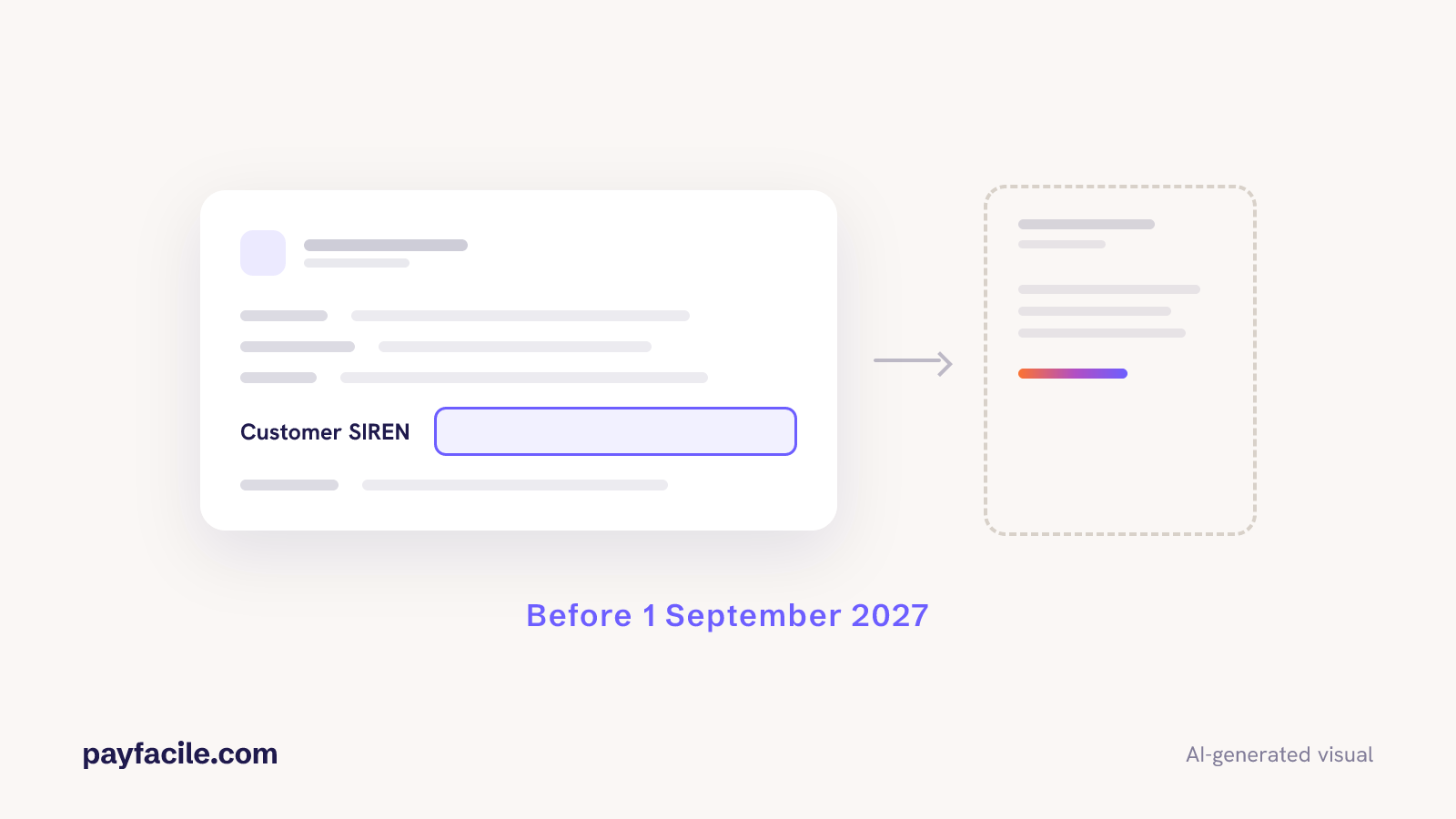
Your customer’s SIREN becomes a mandatory detail on invoices between businesses subject to VAT. Nine digits, not to be confused with the SIRET, which has fourteen and designates one site, or with the intra-community VAT number, which starts with FR. The administration uses it to match your invoice against the purchase declared on the other side, and your platform uses it to find your customer’s platform in the directory.
Don’t email your whole database
The temptation is to run one big collection campaign. That is the worst possible use of the time you have left. Do the opposite:
- Add the field to your order form now, so every new sale arrives complete.
- Add it to the customer account area, so returning buyers fill it in themselves.
- Handle by hand only your recurring business customers, the ones who make up most of your B2B revenue. There are few of them, you know them by first name, one message does it.
- Leave dormant accounts alone. A customer who has not ordered in a long time does not need a SIREN in your database; they will give it to you on their next order.
The SIREN is public data. It appears on your customer’s own invoices, on their extrait Kbis and in the state company directory. You need no permission to ask for it, only a field in the right place.
Business or private, the question that sorts everything
This is the most underrated field in your file. It decides whether a sale falls under e-invoicing or under e-reporting, and the two routes have nothing in common. A coach who sells the same session to an employee and to that employee’s company does not produce the same document in the two cases. If your checkout never asks, somebody will be settling it later, invoice by invoice, from memory. One tick box at order time heads all of that off, provided it is there before your next sale.
Step 2: your catalogue
The nature of the transaction, supply of goods, supply of services or a mixed operation, also becomes a mandatory detail. It gets decided once, product by product, inside your catalogue. By the time you are issuing an invoice, there is no room left to think about it.
So open the catalogue and go down it line by line. Coaching, a training session, a software subscription: services. Anything you put in a box and ship, a printed book, a kit: goods. Then there are the files, and that is where people come unstuck. A template, a video, a downloadable PDF are supplies of services provided electronically, however hard your sales page works to present them as products. A bundle that mixes the two is a mixed operation, and the invoice has to say so.
Where it gets hard: down payments and subscriptions
A down payment is not a line in a spreadsheet, it is an invoice. It carries its own number, its own mandatory details, and it travels the same route as the closing invoice. Take part of the money at order time and you are producing two electronic documents.
Subscriptions raise a neighbouring question. Every renewal produces an invoice, and every mid-cycle move produces a credit note: a plan change, a partial refund, an early cancellation. All of them go back out through the same channel, carrying the same details. With a dozen subscribers you can hold that together by hand. Past several hundred renewals a month, the tool has to do it.
The sorting happens once, in your catalogue. Set a real working session aside for it: on a catalogue of any size it runs into hours.
Step 3: joining order, payment and invoice
Pick an invoice at random from last month and try to reconstruct it: where the order came from, which account the money landed in, which document went to the customer, where it is filed. Count the tools you had to open. That number is the honest measure of how ready you are.
Every hop from one tool to the next is a place where data goes missing or gets rekeyed wrong. While an invoice was a PDF sent by email, a typo in an address cost nothing, because a human read it at the other end. An electronic invoice is read by a machine that understands nothing: one wrong identifier and it comes back rejected.
The three links to weld
- The order carries the legal data. SIREN, delivery address, nature of the transaction, collected at the moment of purchase. Reconstructing them afterwards means reopening every order one by one.
- The payment attaches to the order. An orphan payment means an invoice you have to find by hand, and an *Encaissée* status somebody has to go and set.
- The invoice is generated from both. No export, no copy-paste, no intermediate file.
Your expert-comptable can help you frame the project and handle your edge cases. They can’t invent a SIREN nobody ever asked for. What reaches them is whatever your sales chain produced, and nothing else.
This is also the moment to look at what you still do by hand in day-to-day billing. The reform obliges nobody to automate their invoices and their payment reminders. It is the same plumbing all the same, on the same data, and you will end up doing it.
Step 4: reading the statuses
Once deposited, your invoice sends statuses back. Four are mandatory and go up to the administration: Déposée, Rejetée, Refusée, Encaissée. Only two call for action on your side, and the two actions have nothing to do with each other.
Rejetée: fix the file, the same day
A platform turned the file away. A bad format, a missing mandatory detail, or a customer identifier the directory cannot find. Your customer will never see this invoice and their payment clock has not started. You fix it, you deposit it again, nobody else is involved. While an invoice sits rejected, it can’t be paid.
Refusée: pick up the phone
Your buyer disputes the substance. A quantity, a price. Sometimes work that did not go the way they expected. There is no file to fix here. You call, you settle the disagreement, and then, depending on how it goes, you issue a credit note and send a new invoice. A refused invoice left sitting is an unpaid invoice, and nobody is going to chase it for you.
Who is watching the inbox?
Most companies have no answer to that one. Statuses arrive somewhere, in an interface nobody has got into the habit of opening. Decide now who reads them and how often. A rejection left unanswered for weeks ends up costing far more than a format error. By that point what you have is mostly an invoice that is not getting paid.
What PayFacile does for you
You sell, you get paid, you stay compliant. PayFacile was built that way long before the reform, and the administrative plumbing stays on our side of the line.
Take the four steps above again, and look at what is left for you to do when your sales already run through PayFacile.
- Your customer data arrives complete. Legal information is asked for at the right point of the checkout, from the people it applies to, and checked for you. Your private buyers see none of it.
- Your catalogue carries the information. What you sell is described once, and every invoice inherits it.
- The chain is already welded. Order, payment, invoice generated automatically, credit note, reminder: all in one place, with no rekeying and no export. And your invoices still look like yours.
- Format and transmission are our problem. Your invoices will go out in Factur-X, through the official channel, with nothing for you to configure.
Pilot sellers go first, so the chain gets proven on real sales before it reaches everyone. I’m not going to give you a date to the day, and not because I am hiding one: on a reform this size the dates move, the administration’s and ours. What I will commit to is the order. Pilots first, everyone after, and on your side a setting to turn on.
One move we cannot make for you: designating the approved platform that will receive your suppliers’ invoices. The designation is made in your company’s name. Mandatory since 1 September 2026, for every business, and done once.
Signing the mandate does not close the subject. Ask for written confirmation that your designation really is live in the directory, and keep it.
The checklist
Ten points. Tick them all and you are ready well before 1 September 2027.
- A SIREN field exists in your order form and in your customer account area.
- Your recurring business customers have a SIREN on record.
- Every customer is tagged business or private.
- The delivery address is collected separately from the billing address, if you ship goods.
- Every catalogue line is classified as goods, services or a mixed operation.
- Your down payments produce a real numbered invoice, not a tracking line.
- Your credit notes come out of the same tool as your invoices.
- An order, its payment and its invoice can be found from a single screen.
- You know whether you took the option for paying VAT on debits.
- Someone is named to read the statuses and clear the rejections.
Nothing to download: the list is right here, it fits on one screen, and it will be up to date the next time you come back.
If it makes you sigh, the odds are your sales live in three tools that don’t talk to each other. Compare the PayFacile plans and start the 14-day trial: you’ll find out soon enough how many of those ten points your tool handles for you.
Discover Create Payment Links.
See how PayFacile can help
Frequently Asked Questions
- How do I collect my customers’ SIREN before September 2027?
- Don’t run a collection campaign across your whole database, that is the worst use of the time you have left. Add the field to your order form and to your customer account area so every new sale arrives complete, then handle by hand only your recurring business customers. The SIREN is public data: it appears on your customer’s own invoices, on their extrait Kbis and in the state company directory.
- Do I need a SIREN from a private customer?
- No. The requirement only covers customers who are subject to VAT. A sale to a private individual travels the other route, e-reporting: you transmit aggregated transaction data, with no structured invoice per sale. Your checkout still has to know which side each buyer is on. One tick box at order time settles it, and without it somebody will be deciding invoice by invoice, from memory.
- How do I know whether what I sell is a good or a service?
- Anything you ship is a supply of goods. A session, a training course, a software subscription are supplies of services. Files are where people come unstuck: a template, a video, a downloadable PDF are supplies of services provided electronically, however hard your sales page works to present them as products. A bundle that mixes the two is a mixed operation, and the invoice has to say so. The classification is decided once, product by product, inside your catalogue.
- Does a monthly subscription fall under e-invoicing?
- Yes, if your subscriber is a business subject to VAT and established in France. Every renewal produces an invoice that travels the full route, and so does every credit note, whether it comes from a plan change, a partial refund or an early cancellation. If your subscriber is a private individual, the sale goes through e-reporting. Plenty of subscription businesses carry both kinds of customer in the same database, so the business-or-private tag has to be set well before 1 September 2027.
- Do down payments fall under e-invoicing?
- Yes. A down payment invoice is a full invoice: it carries its own number, its own mandatory details, and it travels the same route as the closing invoice. Take part of the money at order time and you are producing two electronic documents. Check that in your tool before 1 September 2027, because many systems still treat a down payment as a tracking line.
- What do I do when an e-invoice is rejected?
- Your invoice comes back with the status Rejetée. The cause is technical and it is on your side: a bad format, a missing mandatory detail, or a customer identifier the directory cannot find. Your customer never received this invoice and their payment clock has not started. Fix the offending field and deposit the invoice again the same day. Nobody else is involved, and while it sits rejected it cannot be paid.
- What do I do when a customer refuses an e-invoice?
- Your buyer is contesting the substance of the invoice: a quantity, a price, sometimes work that did not go the way they expected. The status Refusée is a commercial dispute, and there is no file to fix. Call your customer, settle the disagreement, then, depending on how it goes, issue a credit note and send a new invoice. A refused invoice left sitting is an unpaid invoice, and nobody is going to chase it for you.
- Do I have to change invoicing tool before September 2027?
- Not necessarily, but you do need to know what yours has planned. A tool that connects to no approved platform will have to be replaced. A tool that produces your invoices without being wired to your orders and your payments will leave you rekeying, and rekeying is precisely where the new mandatory details get lost. Take an inventory of your whole sales chain, from the order form through to where the invoice is filed, then ask your vendor what they are shipping and when.
Increase Your Sales Potential
Automate and grow your e-commerce business with ease.